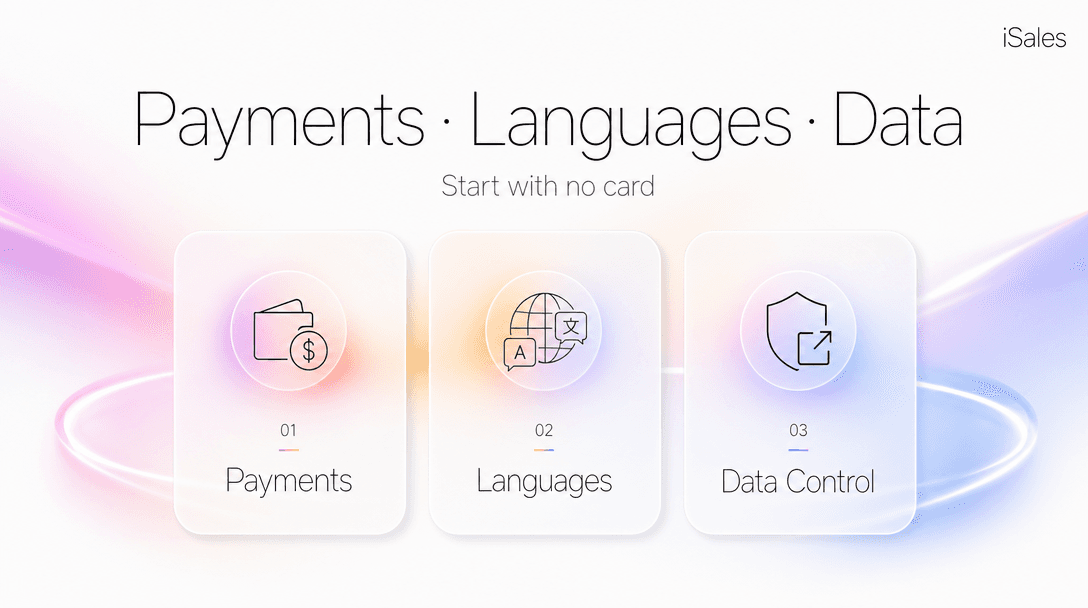
TL;DR: "No credit card required" is table stakes now; every big chatbot offers it. The questions that actually decide whether an AI tool is usable for real work are three. Can you start (no card, in your language)? Can you read the bill (per-action cost, in your currency, before it debits)? Can you leave (export and delete your data)? This guide gives you a checklist to score any tool on those three doors, the real 2026 numbers behind each, and where each door goes deeper.
- Who this is for: anyone choosing an AI tool to build a business on, not to chat with once, where getting locked in, surprised by a bill, or unable to get your data out is a real cost.
- What you'll get: a reusable three-door scorecard, the actual pricing models compared, and a straight note on when this whole category is overkill for you.
- Last updated: 5 July 2026.
The "no card" checkbox stops mattering the moment you get serious
Search "AI tools no credit card" and you'll get a dozen 2026 listicles. They're all technically right: Claude, ChatGPT, Gemini, and Perplexity all let you start on a free tier with just an email, no card, capped at a daily message limit. For chatting, the no-card question is already solved.
The trouble starts when the tool stops being a toy. The moment you use one to answer customers, publish content, or take a payment, three different questions decide whether you can actually depend on it, and none of them is "is there a free tier."
- Can you start without a card you may not have, in a language you actually read?
- Can you read the bill: see what each action costs, in your own currency, before it's charged?
- Can you leave: pull your data out and wipe your history when you want to?
Miss any one and the tool owns you a little. The rest of this guide is those three doors, in order, with the numbers.
The three doors: a scorecard you can reuse
Here's the whole framework as a table you can copy and score any tool against. A tool that leaves all three doors open won't trap you; one that closes any of them is a lock-in risk you should price in.
| Door | The question to ask | What "open" looks like | Tool A | Tool B |
|---|---|---|---|---|
| 1. Start | Can I sign up, get value, and use the interface without a card and in my language? | Free tier, no card up front, native-language UI | ☐ | ☐ |
| 2. Read the bill | Can I see what each action costs, in my currency, before it's charged? | Per-action cost shown up front; local-currency equivalent visible | ☐ | ☐ |
| 3. Leave | Can I export my data and clear my history whenever I want? | One-click export plus delete; a stated policy on what's stored | ☐ | ☐ |
The doors are ordered by when they bite: door one on day zero, door two on your first busy month, door three the day you decide to switch. Score each box straight. An unchecked one is a cost you're choosing to carry, not always a dealbreaker.
Door 1 — Start: no card, and your language
Two things gate the very first step, and most tools only think about one of them.
The first is the card. For a US or EU buyer this is invisible; for a large slice of the world it's a wall. Since 2022, Visa and Mastercard issued in Russia are blocked at the BIN level on most Western platforms: the transaction is refused before it reaches the vendor, regardless of the bank. A whole workaround market (intermediaries, foreign virtual cards, resellers) exists precisely because "just put in a card" isn't an option for millions. A tool that requires a card at signup silently excludes all of them.
The second is language. A tool can be free and card-optional and still be unusable if your team or your customers don't read its interface. This is the quieter lock-out, and almost no listicle even mentions it.
A real answer to door one covers both halves: start on a free allowance with no card at all, and run the interface in the language you actually work in. That's the bar iSales aims at (30 free messages, no card, 12 interface languages), but the door isn't about any one tool. Check both halves before you commit; run the scorecard and you'll usually find one of them shut.
Door 2 — Read the bill before it debits
This is where the real money is, and where the three common pricing models diverge hard. Two of them make your cost genuinely hard to predict.
| What you're comparing | Prepaid balance (pay per action) | Per-seat + per-outcome | Token pack / reseller |
|---|---|---|---|
| Start with no card | Yes: free tier, top up later on any rail | Card required up front | Often via intermediary or card |
| Cost visible before you spend | Yes: each action's cost shown, local-equivalent too | Seat is fixed; per-outcome scales with volume | Opaque; price buried in "credits" |
| Predictable flat monthly total | No: you watch a balance | Partly (seat is flat, outcomes are not) | Flat pack, but you overpay for the unused |
| One fixed invoice, zero balance-watching | Loses to a subscription here | Seat is one clean line | One clean line |
| Borderless (no region lock) | Yes: multiple rails incl. crypto | US/EU card plus supported region | Reseller's region only |
Read the third and fourth rows carefully, because that's where a prepaid balance loses. If what you want is one fixed number on one invoice every month and never thinking about it, a flat subscription beats pay-per-action. Prepaid means you keep a little attention on a balance. That's a real trade you make on purpose.
What a prepaid model buys you in exchange is that nothing is hidden. Take the per-outcome model as the sharp example: a leading AI support agent charges $0.99 per resolution on every plan, on top of seats that run $29–$139 per seat per month (2026 pricing). At low volume that's cheap; the month your volume spikes, the bill spikes with it, and you find out after the fact. The token-pack resellers fail the other way: one flat price, but the cost of any single action is invisible, so you can't tell a cheap task from an expensive one.
A worked sketch (your numbers, not ours). The certain lines are easy to price up front: social publishing is a $20/month add-on; an image starts at $0.25 (a sharper 4K render is $0.50); a carousel slide is $0.30–0.60. The soft line is the AI chat itself: that's tokens × the model you choose × an intelligence tier, so it genuinely depends on your traffic and which model answers. I'm deliberately not summing these into one dramatic monthly total, because most of the variance lives in that soft line, and a total would be a guess dressed as a fact. The point of door two isn't the total; it's that every one of those lines shows its cost before it debits. (The full month-by-month math lives in its own breakdown if you want to run yours.)
Door 3 — Leave with your data
The last door is the one people skip until they need it. Before you pour your knowledge base, your customer conversations, and your content into a tool, ask what happens the day you want out.
An open door three is concrete and boring: you can export your data (as a file you can actually open, on demand, without filing a support ticket), clear your history, and read a plain statement of what's stored and why. That's it. No certification badge required, and you should be suspicious of tools that wave a compliance logo instead of just giving you the export button. The test is whether the delete and export controls exist and work, not what's printed on the trust page. If a tool can't show you how to get your data back out, treat that as its answer.
A note on rails, deliberately boring
You'll notice this guide has barely mentioned how you pay. That's on purpose. Whether the money moves as Telegram Stars, a card, or crypto is plumbing; it matters only in that a tool should support the rail you actually have. Crypto as a real top-up option (not a workaround) is what keeps door one open for people without a usable card, and it's precedented on mainstream developer platforms. But the rail is never the reason to choose a tool. The three doors are.
When NOT to bother with any of this
If you have a working card, you live in a supported region, and you mostly want to chat with an AI (draft an email, summarize a doc, brainstorm), then stop reading and go use a free-tier ChatGPT or Claude. You don't need borderless rails, a prepaid balance, or a data-export flow for that, and the overhead of watching a balance isn't worth it. This whole framework only starts paying off when the AI tool is doing business work (publishing, replying to customers, taking payment) and getting stuck, surprised, or locked out has a real cost. Below that line, the simplest thing wins.
Where each door goes deeper
This is the hub; each door has a dedicated walkthrough:
- Door 1 (Start): how to pay for AI tools with no US card, the full map of borderless options.
- Door 2 (Read the bill): five ways to top up a balance: Stars, card, and crypto compared, with the month math.
- Coming next in this cluster: prepaid balance vs token packs, paying with crypto (CryptoBot/Cryptomus) safely, Telegram Stars as a rail, data-control step-by-step, a privacy checklist, and the 12-languages use case.
FAQ
Is "no credit card" the same as "free"? No. No-card means you can start without payment details; free means an ongoing allowance. Most tools give you a small no-card free allowance, then ask you to add funds. The useful question is what happens at the boundary: do you top up on a rail you have, and can you see the cost.
Why would an AI tool price in USD if I don't earn in USD? A single USD balance gives one global rate instead of per-country pricing. It's only a problem if the tool hides the local-currency equivalent. Insist on seeing your own currency at top-up and at each debit; if you can, the USD base is just bookkeeping.
Is paying with crypto for software legitimate? Yes. It's an established pay-as-you-go rail on mainstream developer platforms. For anyone without a usable card, it's often the cleanest way to keep door one open.
What's the minimum I should be able to export? Your content, your knowledge base, and your conversation history, in a portable format, on demand, plus a working "clear history." If a tool offers less, treat door three as closed.
Next step
Want to see the three doors answered in one place: no-card start, cost shown before every debit, export and delete built in? Start with no card: 30 free messages, in your language, top up your way when you're ready.
Sources & last updated
- Intercom Fin AI pricing ($0.99 per resolution/outcome; seats $29–$139/seat/mo), 2026 — Intercom pricing and Gleap's 2026 breakdown. Research-dated ✅ July 2026.
- Russian-issued Visa/Mastercard blocked at BIN level on most Western platforms since 2022 — Habr overview of payment routes, 2026. Research-dated ✅ July 2026.
- No-card free tiers on major AI chatbots (Claude, ChatGPT, Gemini, Perplexity), 2026 — DataCamp free-AI-tools guide. Research-dated ✅ July 2026.
- Crypto as a first-class pay-as-you-go rail on developer platforms (OpenRouter) — vendor payment docs, cited via vc.ru, 2026. Research-dated ⚠️ July 2026.
- iSales prices (free 30 messages; image from $0.25; carousel slide $0.30–0.60; social publishing $20/mo) — from the product's current price list.
Competitor prices checked July 2026 — list prices, subject to change.