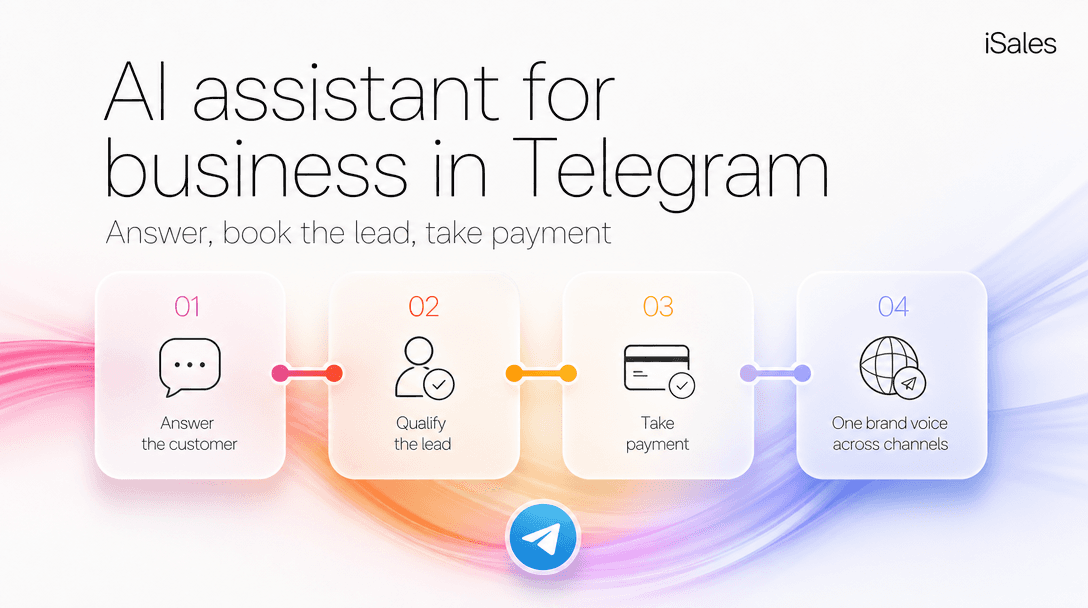
TL;DR: An AI assistant for business runs four jobs in the same chat: answer a customer from your own knowledge, qualify and book the lead, take the payment, and keep one brand voice as that customer moves across channels: Telegram, WhatsApp, Instagram. Almost every tool on the market ships one or two of those jobs well; the money leaks in the seams between them. This guide maps the four jobs, gives you the threshold where each starts paying for itself, and links to a deeper guide for each. One number tells you whether you need any of this: how many customer messages you already answer by hand outside working hours.
- Who this is for: solo founders, creators, and small service businesses evaluating a customer-facing bot for Telegram, not developers building one from scratch.
- What you'll get: the four-job map, a fill-in "is my loop leaking?" check, the real per-resolution economics of the popular tools, and a clear line below which you shouldn't buy anything.
- Last updated: 2026-07-05.
Why "a Telegram bot" isn't one thing
Search "Telegram bot for business" and the results split into two piles that pretend to be the same product.
One pile is script builders: you draw a flow tree of buttons and canned replies. They're cheap and predictable, and they work right up until a customer types a real sentence the tree doesn't have a branch for. Then the conversation dead-ends or loops.
The other pile is support suites that resolve tickets and bill you per resolution. They answer free-form questions well, but they're built to close a support ticket, not to notice that the person asking "do you deliver Sunday?" is a lead worth booking and charging.
A business assistant is neither slice on its own. It's the whole loop: it reads an unscripted message, answers it from your facts, recognizes intent, books the lead, and when the moment is right, issues the invoice and takes the money while you sleep.
The closed-loop map
Four jobs. For each: what breaks if you skip it, the point where it starts earning its cost, and the deeper guide.
| Job | What breaks without it | Starts paying when… | Go deeper |
|---|---|---|---|
| 1. Answer from your docs | A generic bot invents an answer, or a script tree dead-ends on a real question. | You get free-form questions a button menu can't cover. | Grounding an assistant on your own docs |
| 2. Qualify & book the lead | The answer happens but the lead is never captured; you re-ask "so, want to book?" by hand at 9am. | More than a handful of inbound turn into "maybe later" you never chase. | From a reply to a booked lead |
| 3. Take the payment | The customer says yes, then waits for you to send an invoice, and cools off. | You sell anything a customer would pay for on the spot (a slot, a file, a consult). | The assistant that takes the payment |
| 4. One voice, every channel | The same customer gets three different tones across Telegram, WhatsApp, Instagram. | You answer DMs in more than one place. | One brand voice across channels |
Most tools own row 1 or row 3. The leak is almost always rows 2 and 4: the un-glamorous glue.
Job 1 — answer from your knowledge, not the internet's
The difference between a toy and an assistant is where the answer comes from. A model with no grounding will confidently make up a delivery policy you don't have. A script tree will hand a customer four buttons when they asked a five-word question.
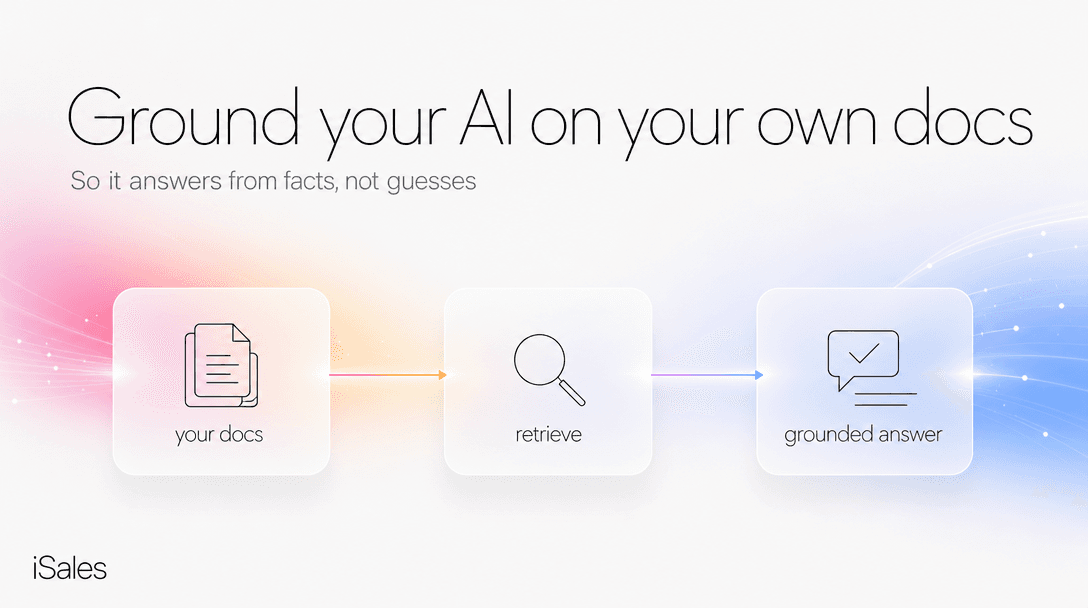
Grounding (often called RAG, or a "knowledge base") means the assistant answers from documents you upload, like your price list, your FAQ, your policies, and says "I'll check" instead of inventing when it doesn't know. A real example of the gap: a customer messages at 11:40pm, "can you deliver a bouquet by tomorrow morning?" A grounded assistant checks your actual same-day cutoff and answers with your real terms. A script tree offers "Prices / Hours / Contacts." The un-grounded bot guesses "yes!", and now you owe a delivery you can't make.
This is also where a scripted bot and an autonomous agent genuinely diverge, enough that it's its own comparison.
Jobs 2 & 3 — book the lead and take the payment, in the same chat
Answering is table stakes. The revenue is in what happens after the answer.
A support-suite bot answers the delivery question and stops: it resolved a ticket. A business assistant treats that same message as a lead. It logs who asked and what they wanted, then follows the thread toward a booking. Concretely: the customer says "yes, book it" at 11:52pm, the assistant drops an invoice for the deposit in the same thread, collects it, and files the lead as booked, so at 9am there's a paid order rather than a "call me back" to chase. It can sell your content and issue that invoice through your own connected payment systems, in one chat: the file, the deposit, or the consult fee, while the intent is still hot.
That union of jobs (sell and invoice on your own rails, inside the conversation) is the piece the two common tool categories don't glue together. It's worth its own deep dive on payment, and it's the seam that ties into monetizing paid content.
What it costs to answer — and the pricing trap to avoid
Here's the trap. The two most common ways to price a customer-facing bot both bill you more exactly when your customers need you most.
- Per-resolution. Intercom's Fin agent charges $0.99 per resolved conversation, on a base plan around $49/mo that includes 50 resolutions; its own published resolution rates run 42–50% (fin.ai, accessed 2026-07-05). At 500 conversations a month you're forecasting a four-hundred-dollar-plus invoice that spikes on your busiest week.
- Credit tiers. Chatbase runs $40/mo (Hobby) to $500/mo (Pro) on a message-credit system where premium models burn up to five credits per reply, and removing their branding is roughly $99/mo on top (chatbase.co/pricing, accessed 2026-07-05).
The calmer model is usage-based on a prepaid balance: you top up, a normal text reply costs a few cents of model tokens, and you pay for each action instead of per resolution or per seat. It's free to test on your own traffic before any money moves.
Now the other half of the math. Don't build one dramatic number. Keep the certain cost and the speculative one in separate buckets:
- What you're definitely paying today (your time). Messages you answer by hand per day × minutes per answer × 30 × your hourly rate. If you paste 15 answers a day at 2 minutes each, that's ~15 hours a month of real, countable time.
- What you might be leaking (a hypothesis, not a number to trust). The after-hours "who answers first" leads that book with whoever replies. This one depends on a booking rate you can't actually know, so treat it as a range and set it conservatively. Never let it inflate the certain number above.
Against either, a run cost of cents-per-reply is not where the decision lives. The decision lives in Line 1: your time. (For the full per-resolution-versus-usage breakdown, see the cost deep-dive.)
Is my loop leaking? — the 30-second check
Copy this, fill the middle column, and read the last row.
| Check | Your number | Leak signal |
|---|---|---|
| Inbound customer messages per day | ___ | > ~15 and you answer them yourself |
| Share that arrive outside working hours | ___ | > ~30% |
| Of those, how many you reply to within the hour | ___ | under half |
| "Want to book?" follow-ups you do by hand next morning | ___ | any recurring number |
| Places you answer DMs (TG / WA / IG / site) | ___ | more than one |
If you answer more than roughly 5 after-hours messages a day yourself and at least one of the bottom two rows is non-zero, the leak is in rows 2–4 of the map, and closing it pays. If every number is small and you're usually at your phone, it isn't. See the next section.
When you do NOT need this
Under about 5 inbound customer messages a week outside working hours, don't buy an assistant. A Telegram Business auto-reply, or answering from ChatGPT by hand, is genuinely fine at that volume: cheaper and simpler. (Here's the full ChatGPT-vs-assistant math.)
There are three more places these assistants lose:
- Setup isn't instant. Grounding it on your docs is an evening of uploading and correcting, not a switch you flip. If you can't spare that, wait.
- Edge cases need oversight the first days. It will confidently get an unusual question wrong at least once. Plan to skim its replies for the first week before you let it run unattended.
- Very high, purely linear ticket volume. If you're a large team resolving thousands of near-identical support tickets and never selling in the thread, a flat-fee support suite may cost less than usage-based pricing. That's a row these assistants lose.
FAQ
What happens when it answers wrong? It will, occasionally, usually on an edge case outside your docs. That's why the first-week skim matters, and why grounding it well up front (rather than letting it improvise) is the single biggest accuracy lever. Holding quality at volume without losing your voice is its own discipline.
Is my data safe? You control what you upload as its knowledge base and can clear or export it. Don't upload anything you wouldn't want the model to see; ground it on customer-facing facts, not internal secrets.
Does "reply as me under my name" work? On Telegram Business connections the reply can appear under your name with no bot label. Useful for solo brands, though mind the disclosure norms in your market.
Does one assistant really cover WhatsApp and Instagram too? Yes, that's Job 4: the same brain, one voice across channels. Before you scale outbound, note that broadcasting has real ban-risk rules worth reading first.
How is this different from a script-builder like Salebot or BotHelp? Those price by number of contacts or subscribers and shine on linear button flows; they struggle on free-form questions and don't glue booking to payment. The trade is predictability versus handling the unscripted.
Next step
If the leak-check came back non-zero, the fastest way to see the loop on your own traffic is the free start flow: answer four questions, get a demo dialog in your niche plus a text content starter, and watch it reply in your voice. The first 30 messages cost nothing. Start it in iSales.
Sources & last updated
- Intercom / Fin AI agent pricing ($0.99/resolution; ~$49/mo incl. 50; 42–50% published resolution rate) — fin.ai/pricing, Gleap breakdown.
- Chatbase pricing tiers and credit system — chatbase.co/pricing.
- Salebot / BotHelp RU-market plans (contact/subscriber-based) — docs.salebot.pro/tarify, bothelp.io/pricing.
- Telegram Business chatbot behavior (replies under owner name, no bot label) — chat-data.com.
Competitor prices checked July 2026 — list prices, subject to change.